Smart Lock Out of Power or Malfunction: Emergency Unlock Methods and Warranty Repair Process
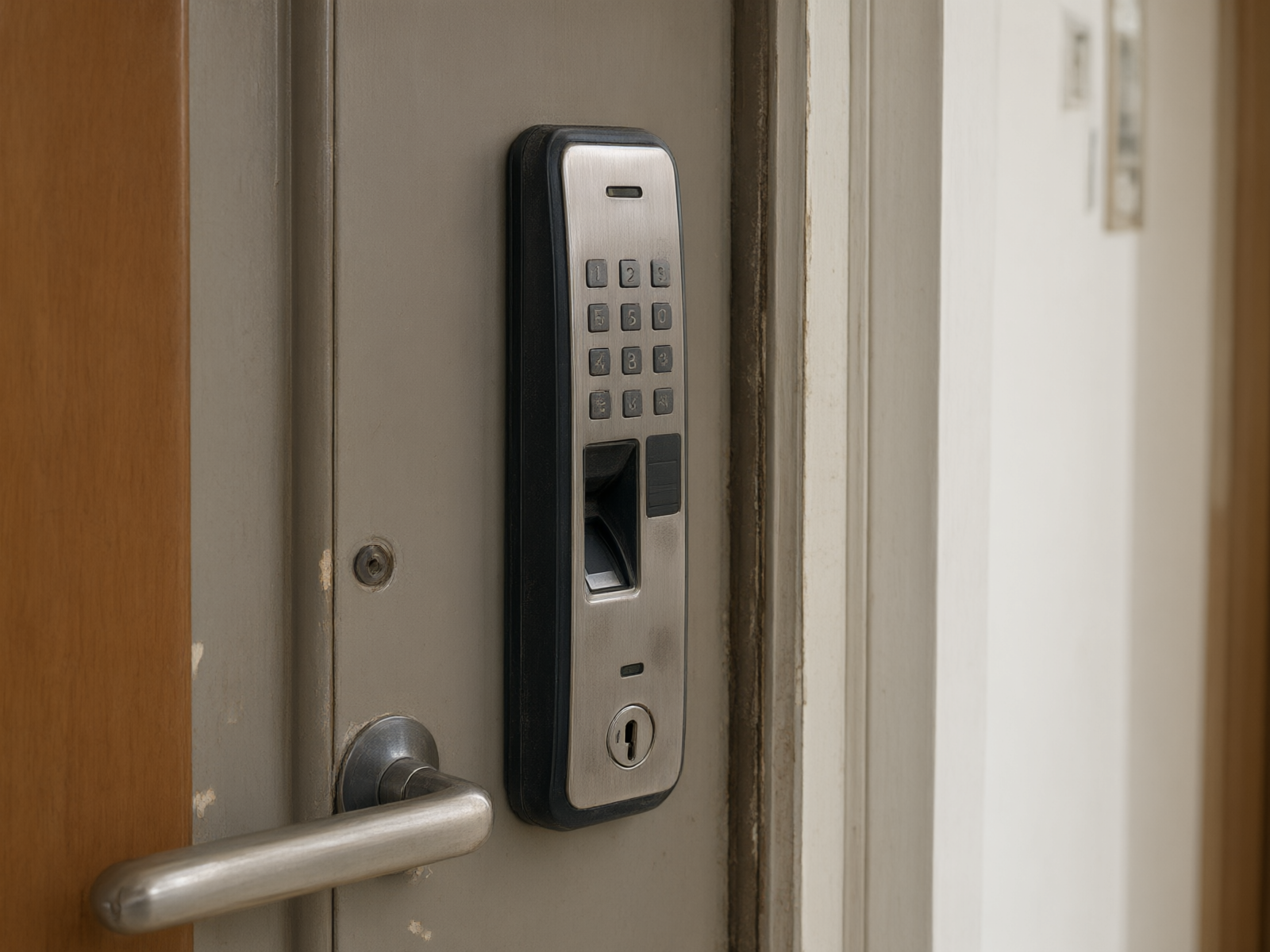
Fingerprint lock adoption in Tianjin households is rising annually, yet issues like battery depletion, motherboard failures, and motor jams remain frequent. Most users lack a standardized response protocol when their locks malfunction, often leading to repeated attempts that cause secondary damage or resorting to non-professional forced entry. These actions not only increase repair costs but may also void warranty coverage for faults that should otherwise be eligible for service. The following section outlines an actionable response strategy covering emergency unlocking, fault diagnosis, and warranty repairs.
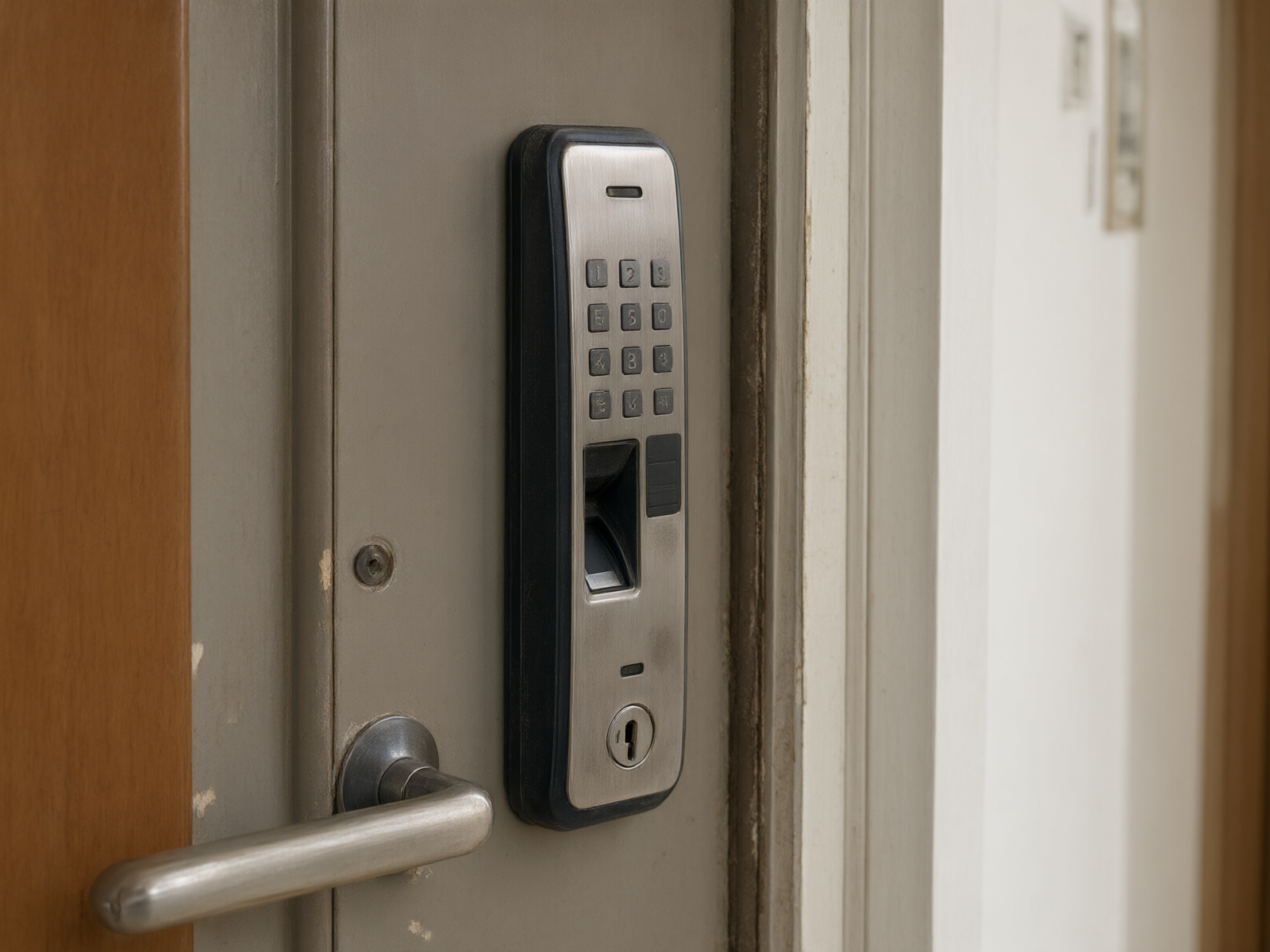
Three Emergency Ways to Unlock a Fingerprint Lock When It Runs Out of Battery
Most mainstream fingerprint locks on the market include at least one emergency power or mechanical backup option, differing only in the access method.
The first option is emergency mechanical key access.Most smart locks feature a mechanical keyhole at the bottom of the faceplate, end of the handle, or side of the lock body. For daily use, store the mechanical key in a fixed location like your car or office—not inside the door—to avoid being locked out with keys in hand. Insert the key and rotate normally to unlock; operation is identical to standard door locks.
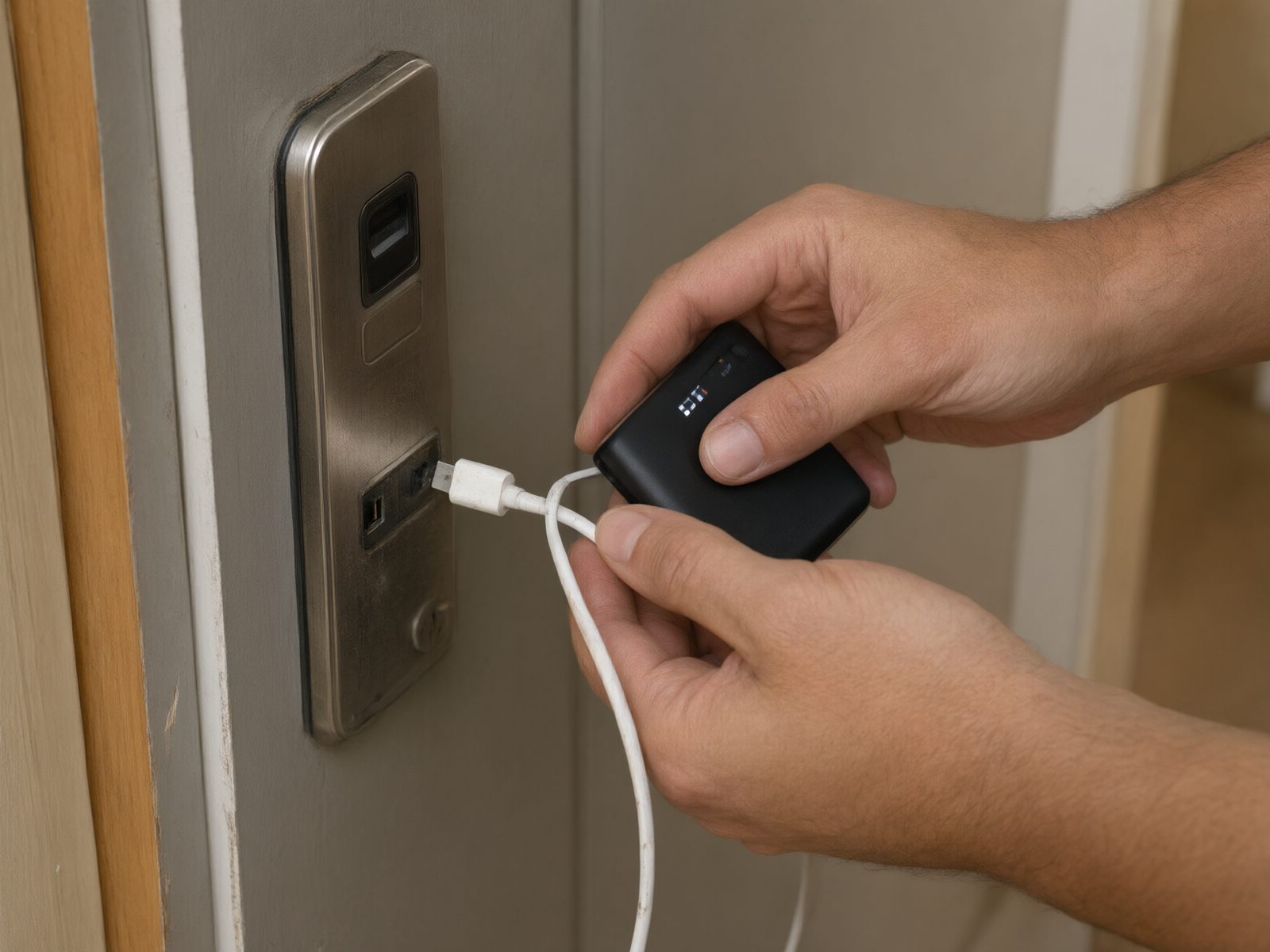
The second is the emergency power supply interface.Some brands include a Micro USB or Type-C emergency power port at the bottom of the lock's exterior panel. You can temporarily power the lock by connecting a power bank or 9V rectangular battery to this port, allowing you to unlock via fingerprint or PIN once power is restored. This solution requires users to carry a power bank or have quick access to compatible batteries.
The third option is a physical reset.Some models feature a reset button on the indoor panel. Press and hold for 5-10 seconds to restore factory settings and unlock. Note that this will erase all enrolled fingerprints and passwords, requiring reconfiguration. Use this method only if you suspect a system freeze; do not rely on it as a regular unlocking option.
Fault Type Classification: Distinguishing Electronic from Mechanical Failures
Not all "locked-out" situations are due to power loss. Distinguishing between electronic and mechanical failures determines whether you should contact the lock manufacturer's support or a professional locksmith service.
Typical signs of an electronic fault include: unresponsive fingerprint sensor, unlit password keypad, no motor sound after successful verification, abnormal voice prompts, or repeated "Please re-verify" messages. These issues usually stem from battery degradation, motherboard moisture, loose ribbon cables, or motor failure. Most can be resolved by replacing the battery, drying the unit, or swapping the circuit board.
Mechanical failure symptoms include: the handle spins freely without depressing after verification, the latch sticks and won't retract, the key won't turn after insertion, or the door is visibly warped causing latch misalignment with the frame. These issues typically stem from the lock mechanism itself—such as latch wear, square bar detachment, or door sag—and require disassembly for inspection.
Practical ways to tell them apart:Try unlocking with the mechanical key first. If the key won't turn or the bolt doesn't move, it's likely a mechanical failure. If the key works normally, the lock body is fine and the issue lies with the electronic module.
Warranty Period Repair Process
Smart locks typically come with a warranty period of 1-3 years. Refer to the warranty card or purchase contract provided at the time of purchase for exact terms. If a malfunction occurs during the warranty period, following the correct repair process can help you avoid unnecessary out-of-pocket expenses.
The first step is to verify the warranty status.Locate your proof of purchase (order screenshot, invoice, or warranty card) to verify the purchase date and warranty period. Some brands require installation records or technician visit details; we recommend taking photos during installation for your records.
Step 2 is to contact the brand's after-sales service or installer.Most smart lock brands offer after-sales support via phone or WeChat at 400. When describing the issue, be as precise as possible: is it "completely unresponsive" or "the motor doesn't turn after verification"? Is it "intermittent failure" or "persistent malfunction"? These details directly impact how the service engineer assesses the problem and prepares spare parts.
Step 3: On-site inspection and warranty determination.After the service engineer arrives, they will diagnose the cause of the issue. Repairs or replacements for failures covered under warranty (excluding damage from misuse, water exposure, or unauthorized disassembly) are provided free of charge. For issues outside the warranty scope or determined to be caused by user mishandling, the engineer will provide a repair quote; work will proceed only after the user approves the cost.
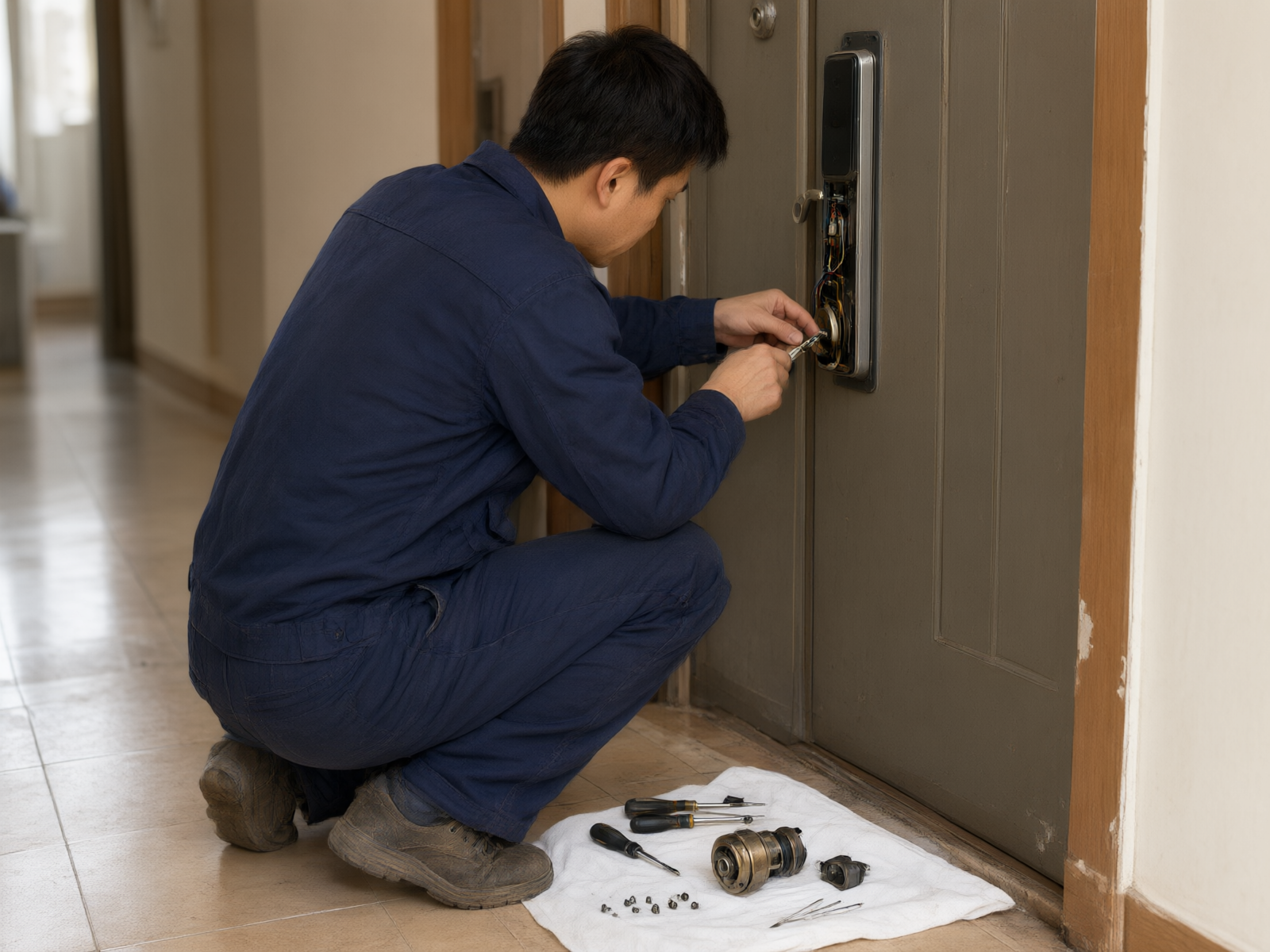
Step 4: Repair completion and acceptance.After repairing or replacing components, users must test fingerprint recognition, password entry, and mechanical key operation on-site to confirm the lock functions normally. Retain the repair receipt as proof for future warranty claims.
Local Service Response in Tianjin
For products past their warranty period or with lengthy brand support response times, choosing local professional service is a more efficient solution.Jiahui LocksmithService centers are located in all 16 districts of Tianjin, covering main urban areas such as Heping, Hedong, Hexi, Nankai, Hebei, and Hongqiao, as well as suburban areas including Dongli, Xiqing, Jinnan, Beichen, Wuqing, Baodi, Binhai, Ninghe, Jinghai, and Jizhou. We dispatch technicians nearby, with arrival within 8-20 minutes at the fastest.

Smart lock repair service: One-time, upfront pricing before arrival with no hidden fees. Repairs start at 50, with final costs determined by lock type and fault complexity upon on-site assessment. New smart lock installations come with a 1-3 year warranty; non-human-caused defects during the warranty period are repaired free of charge.
Preventive Maintenance Recommendations
Most smart lock issues can be prevented with regular maintenance. Replace the battery every 6 months; do not wait until it is fully depleted. Most locks will alert you when power drops below 20%—replace the battery immediately upon receiving this warning. Keep your mechanical key in an easily accessible outdoor location. Clean the lock's faceplate with a dry cloth only; avoid using wet cloths or chemical cleaners to prevent moisture damage to the circuit board. If fingerprint recognition sensitivity declines, first clean the sensor area with a dry cloth. If performance does not improve, contact customer support for inspection.
If your fingerprint lock runs out of power or malfunctions, first determine the issue type using the steps above, then follow the corresponding solution path. For devices under warranty, contact the brand's after-sales service first. If you're outside the warranty period or need urgent lockout assistance, call Jiahui Locksmith at 18222551707. We dispatch licensed technicians nearby across Tianjin and provide a quote before arrival to resolve lock issues quickly.